Wallet Integration Guide

View as Markdown

Overview

The BRIJ Widget SDK allows wallets and dApps to embed crypto on/off-ramp functionality directly into their applications. With just a few lines of code, you can provide your users with seamless fiat-to-crypto and crypto-to-fiat conversion powered by BRIJ’s network of ramp partners.

Features

  • Easy Integration: Add on/off-ramp functionality with minimal code
  • Customizable UI: Match the widget appearance to your application’s design
  • Multi-Chain Support: Support for all major blockchain networks
  • Flexible Modes: Enable on-ramp, off-ramp, or both

Getting Started

  1. Contact BRIJ to obtain your API key
  2. Add the SDK to your application using CDN or npm
  3. Initialize the widget with your API key and desired configuration
  4. Customize the theme to match your application’s design (optional)

Installation

1. Add the SDK

CDN

Add the SDK script to your HTML:

1<script src="https://unpkg.com/@brij-fi/widget-sdk/dist/index.umd.js"></script>

npm

Install via npm:

$npm install @brij-fi/widget-sdk

2. Initialize the Widget

Create a container element and initialize the SDK:

1<div id="brij-widget"></div>
2
3<script>
4 const {BrijSDK, BrijAction} = window.BrijSDK;
5
6 const sdk = BrijSDK.init('#brij-widget', {
7 apiKey: 'your-api-key',
8 });
9</script>

That’s it! The widget is now ready to use.

Configuration Options

Basic Configuration

OptionTypeRequiredDescription
apiKeystringYesYour BRIJ API key
chainsstring[]NoArray of network codes to support (omit for all chains)
modestring[]NoArray of modes: 'ONRAMP', 'OFFRAMP', or both (omit to support both)
countrystringNoCustomer’s country code (ISO 3166-1 alpha-3), e.g., 'USA'. Preselected in the widget and passed to partners that support it
walletAddressesobjectNoWallet addresses mapped by chain, e.g., { SOLANA: 'abc...', ETHEREUM: '0x...' }. Passed to partners that support it
themeobjectNoTheme customization options (see below)

Example with Options

1const sdk = BrijSDK.init('#brij-widget', {
2 apiKey: 'your-api-key',
3 chains: ['SOLANA', 'ETHEREUM', 'BASE'],
4 mode: ['ONRAMP'],
5});

Theme Customization

The widget supports two predefined themes (light and dark) with full color customization. Select a base theme with mode, then override specific colors as needed.

Built-in Themes
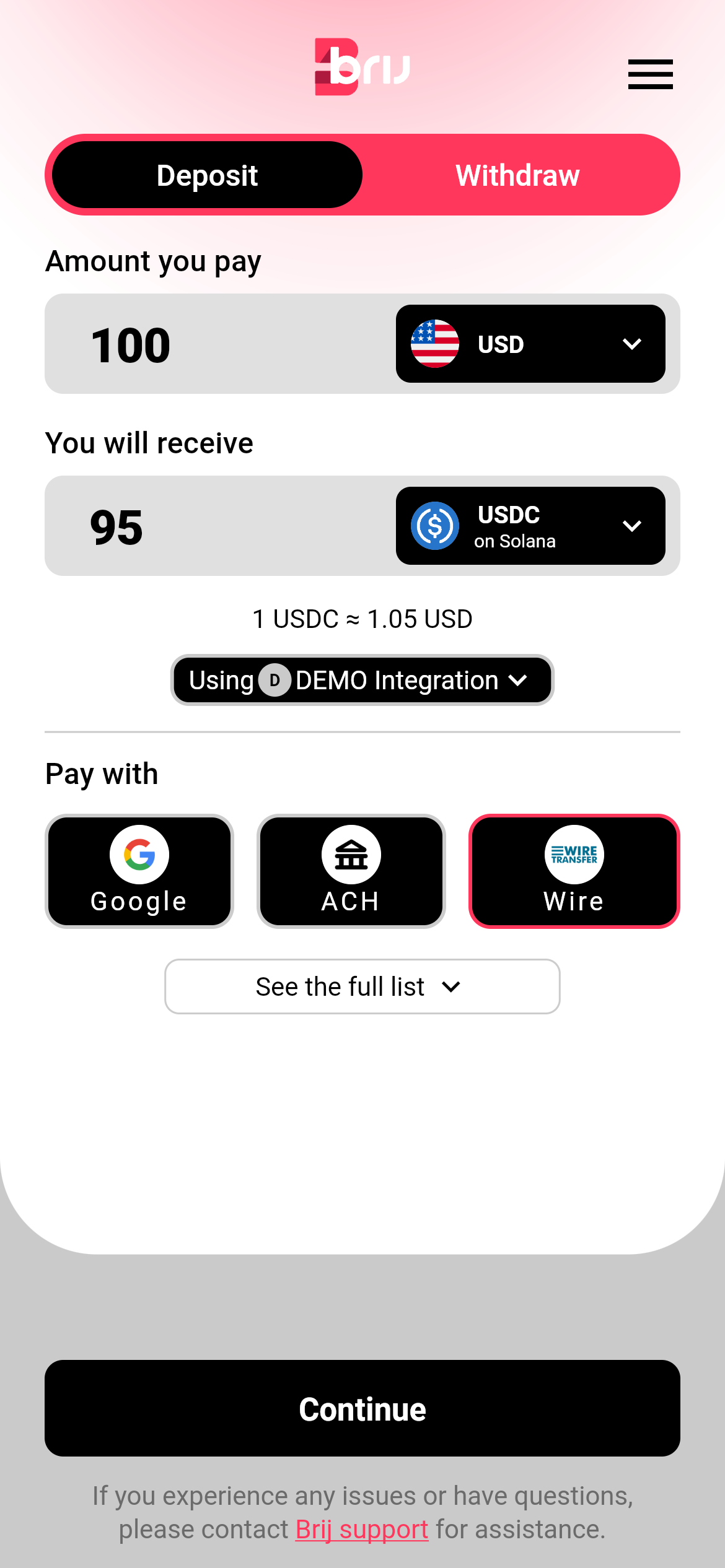
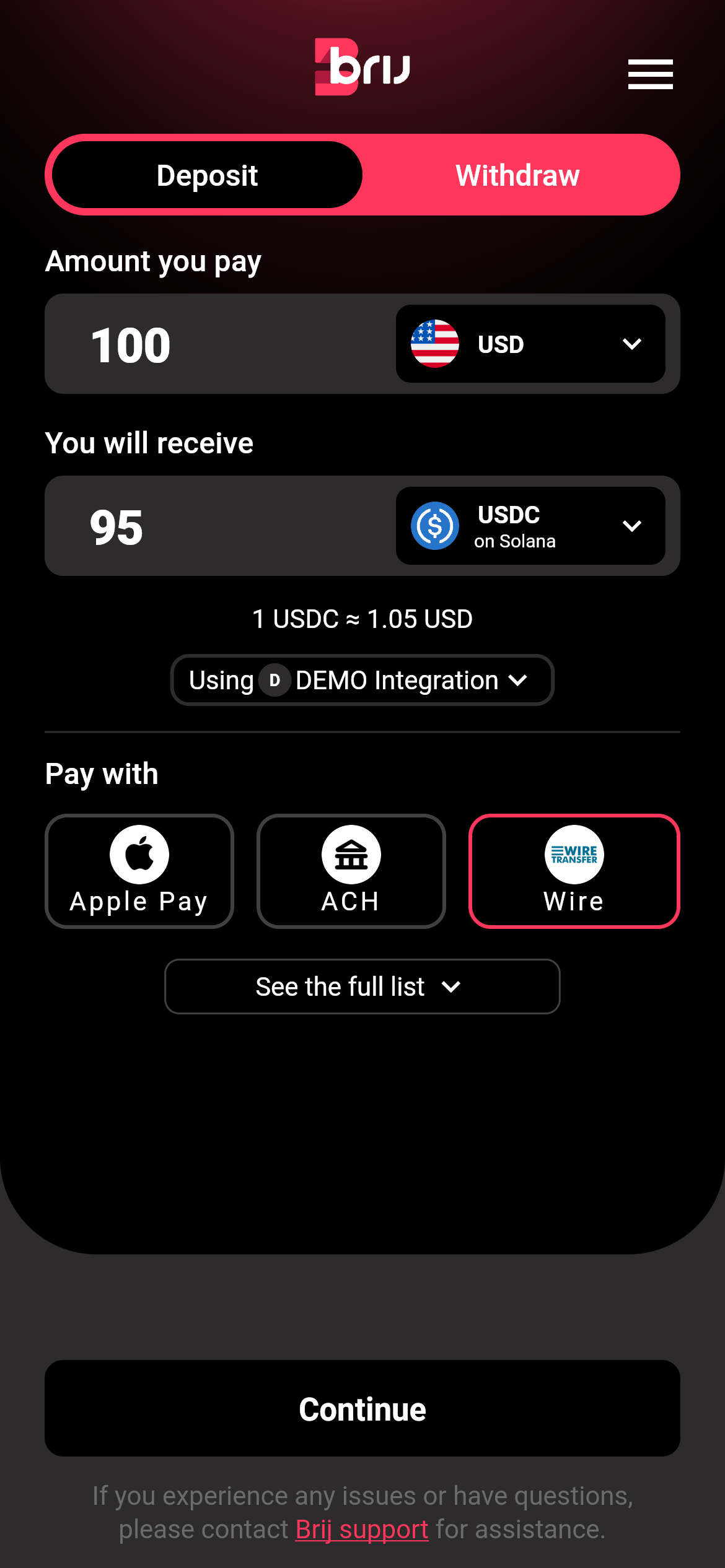
LightDark
Light themeDark theme
1const sdk = BrijSDK.init('#brij-widget', {
2 apiKey: 'your-api-key',
3 theme: {
4 mode: 'dark',
5 logoUrl: 'https://your-site.com/logo.png',
6 primaryBrand: 'FF4500',
7 primaryCtaBgActive: '2563EB',
8 }
9});

Theme Options

General

OptionTypeDefaultDescription
logoUrlstringhttps://widget.brij.fi/assets/assets/images/brij_logo.svgURL to your logo image (PNG, JPG, or SVG). Displays at 31px height with auto-scaled width
modestring'light'Base theme: 'light' or 'dark'. Partner colors override on top

Backgrounds

OptionTypeDescription
contentBgstringMain content area and modal/drawer background
pageBgstringPage background (lower content area)
inputFieldBgstringBackground color for text input fields

Text

OptionTypeDescription
textstringPrimary text color
footerTextstringFooter/disclaimer text color

Brand

OptionTypeDescription
primaryBrandstringPrimary brand color for accent elements and glow effects

Primary CTA Buttons

OptionTypeDescription
primaryCtaBgActivestringBackground color (active state)
primaryCtaBgInactivestringBackground color (disabled state)
primaryCtaTextActivestringText color (active state)
primaryCtaTextInactivestringText color (disabled state)

Secondary CTA Buttons

OptionTypeDescription
secondaryCtaBgstringBackground color
secondaryCtaTextstringText color
OptionTypeDescription
menuButtonstringMenu button icon/text color

Note: Color values should be provided as hex codes without the # prefix (e.g., 'FF4500' for orange, 'FF000080' for 50% transparent red).

Examples

On-Ramp Only (Solana)

Enable only fiat-to-crypto conversion on Solana:

1const sdk = BrijSDK.init('#brij-widget', {
2 apiKey: 'your-api-key',
3 chains: ['SOLANA'],
4 mode: ['ONRAMP'],
5});

Off-Ramp Only (Multiple Chains)

Enable only crypto-to-fiat conversion on Ethereum and Base:

1const sdk = BrijSDK.init('#brij-widget', {
2 apiKey: 'your-api-key',
3 chains: ['ETHEREUM', 'BASE'],
4 mode: ['OFFRAMP'],
5});

Full Configuration with Custom Theme

1const sdk = BrijSDK.init('#brij-widget', {
2 apiKey: 'your-api-key',
3 chains: ['SOLANA', 'ETHEREUM', 'BASE', 'POLYGON'],
4 mode: ['ONRAMP', 'OFFRAMP'],
5 theme: {
6 mode: 'dark',
7 logoUrl: 'https://your-site.com/logo.png',
8 primaryBrand: '6366F1',
9 contentBg: '0F0F23',
10 primaryCtaBgActive: '4F46E5',
11 }
12});

Supported Networks

The widget supports all BRIJ networks. Use the network codes when configuring the chains option:

  • SOLANA - Solana
  • ETHEREUM - Ethereum
  • BASE - Base
  • POLYGON - Polygon
  • ARBITRUM - Arbitrum
  • OPTIMISM - Optimism
  • BSC - BNB Smart Chain
  • AVALANCHEC - Avalanche C-Chain
  • BITCOIN - Bitcoin
  • TON - TON
  • TRON - TRON